 Renew Before It Lapses
Protect
Domain locks and how they stop hijacking
Last reviewed
The short version
- A domain lock is a setting that makes a registry refuse certain changes.
- The three common ones stop transfers, deletions and updates.
- Your registrar sets and removes these. You ask.
- Some registries also offer a stronger registry lock.
Why locks exist
Hijacking means someone takes over your domain without your say-so. They might move it to another registrar, change its details or delete it.
Locks make that harder. ICANN says that asking your registrar for status restrictions can help prevent unauthorised transfers, deletions or updates.[1]
The three common locks
Each lock is a status code, a word in the domain's record. Every domain has at least one.[1] A domain with nothing special going on has the status ok, meaning no pending actions or restrictions.[1]
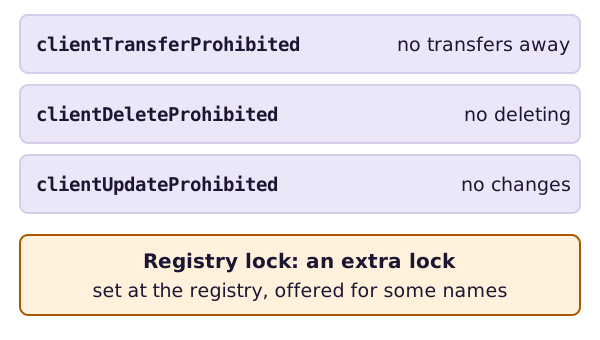
- clientTransferProhibited tells the registry to reject requests to move the domain to another registrar.[1]
- clientDeleteProhibited tells the registry to reject requests to delete the domain.[1]
- clientUpdateProhibited tells the registry to reject requests to update the domain.[1]
The word "client" here means the registrar. It isn't you.
Who sets a lock
Registrars set the client locks. Registries set the server locks.[1] A server code takes precedence over a client code.[1]
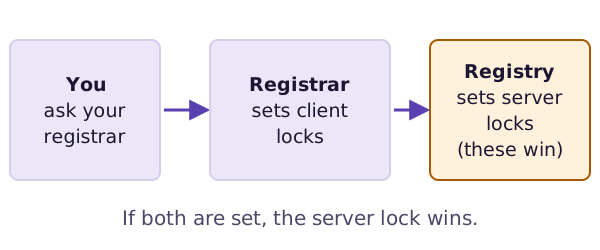
A registrar can set the transfer lock when you register, or when you ask.[2] Look in your registrar's online tools for a lock setting.
Seeing the locks
You can see the status codes in a lookup.[1] Here's ICANN's own guide to them.
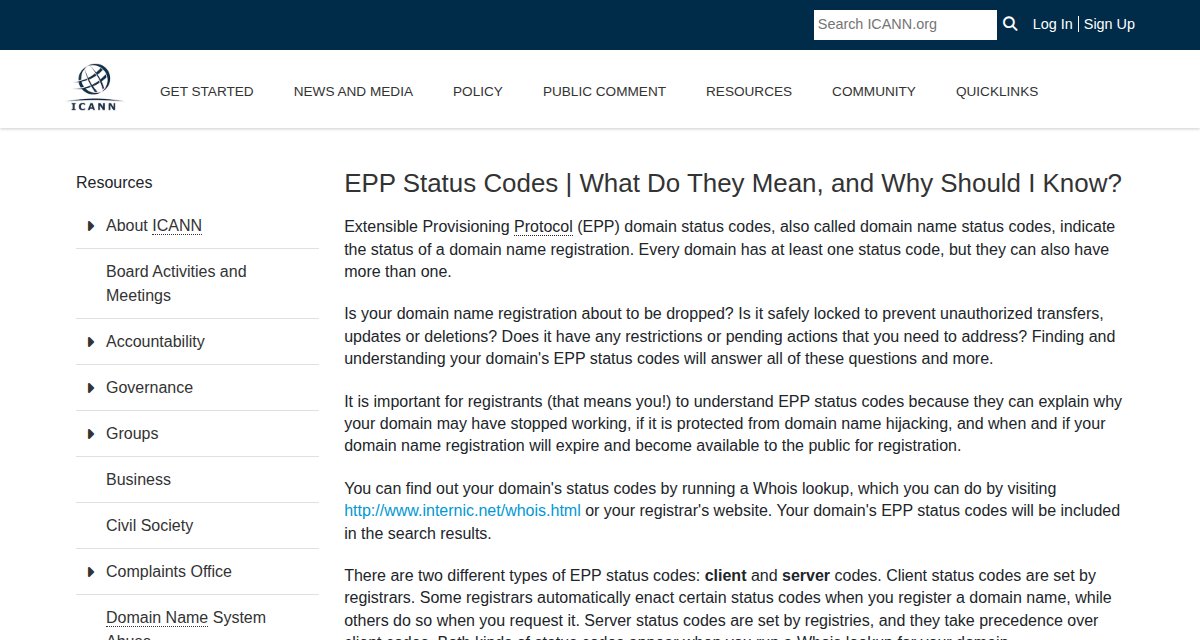
Look up your own domain. If you see clientTransferProhibited, the transfer lock is on. That's good news when you aren't moving. It's a step to take off when you are. The transfer page shows where the lock fits.
Maybe your registrar gives you no way to remove the transfer lock yourself. Then it has to do it within five calendar days of your request.[2]
A stronger lock: the registry lock
Some registries offer a registry lock. It's an extra layer. You ask your registrar to set it, and the lock then sits at the registry.[1]
It's harder to lift. Your registrar has to pass your request to the registry and wait for it to lift the restriction. That can take longer.[1]
Not every name ending offers one. Ask your registrar whether yours does. Think about it for a name that your business can't afford to lose.
What next
Try it now. Look up your own domain. Find the end date and the status words, and put the date in your calendar.
Sources
- EPP Status Codes | What Do They Mean, and Why Should I Know?, ICANN (accessed 2026-10-26)
- Transfer Policy, ICANN (accessed 2026-10-26)